Ajax Systems
Overview
Ajax was growing fast. New devices came out every year, the company kept entering new markets, and the website was moving from WordPress to React to support heavier B2B tools.
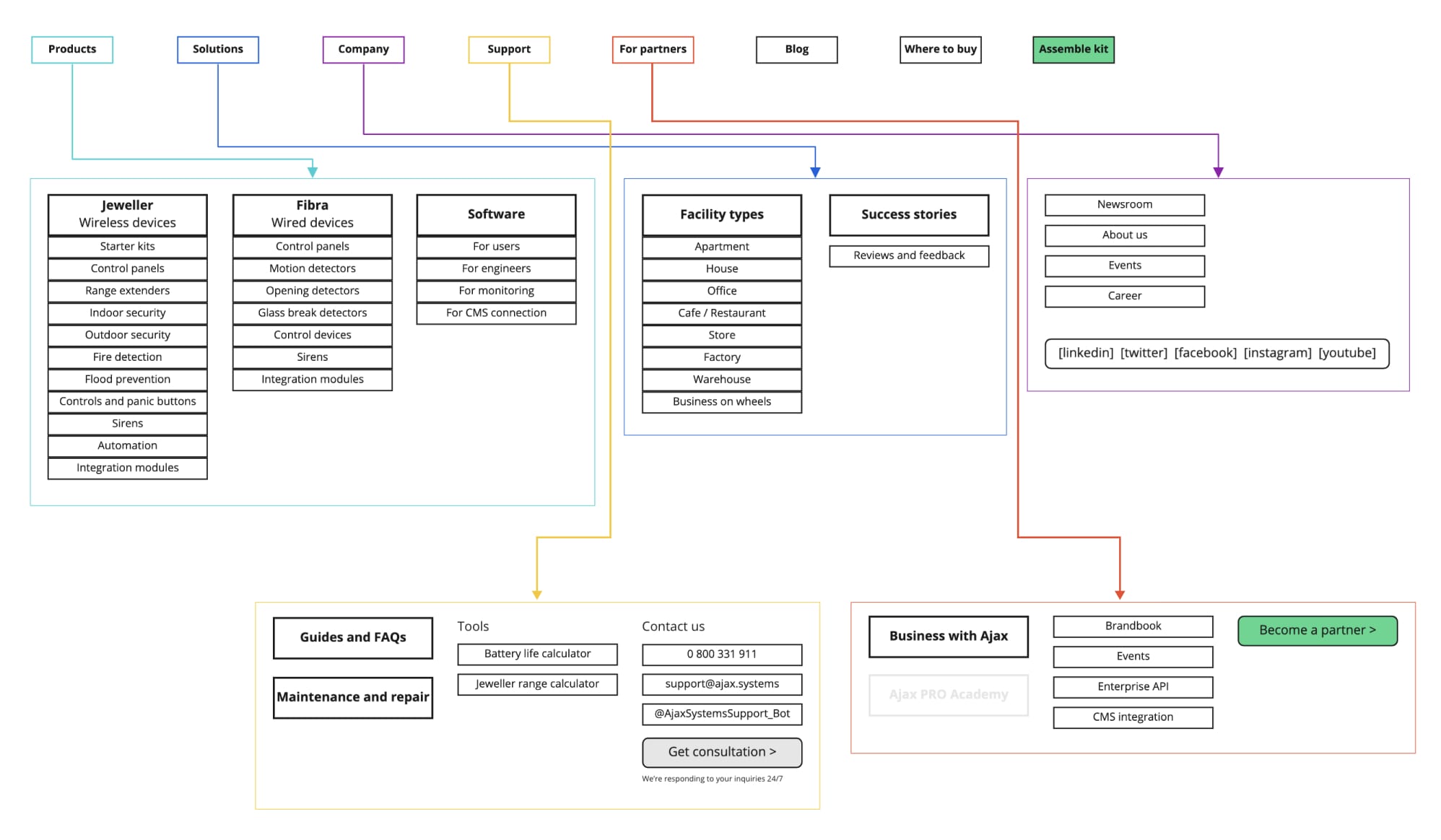
The website could not keep up. Product designers had changed several times and there was no design system, so every page was built from scratch. Designers and developers had no shared rules, which slowed production and made the site hard to change.
I redesigned the website and built the design system at the same time. Each page became a source of components. I defined them, tested them in a real layout and handed them to development right away, working with the Head of Design and the product designer.
- Role
- Lead designer: website, web tools, design system
- Platform
- Web, 6 breakpoints
- Stack
- WordPress → React
Design system
One library for designers and developers. Every component is documented with its states, sizes and breakpoints, so new pages are assembled from existing parts.
- 50+components
- 1,000+variants and states
- 600+icons
- 6breakpoints, dark and light
Colour
Interactive green
#5AE4AA Negative red
#FF725C Additional yellow
#F8DF52 Additional lime
#ADF75E Additional blue
#3AD4F2 Typography
Roboto
Light, Regular, Medium
| ≥ 1200 | ≥ 992 | < 767 | |
|---|---|---|---|
| h1. Heading | 56 | 48 | 32 |
| h2. Heading | 48 | 40 | 32 |
| h3. Heading | 40 | 32 | 24 |
| h4. Heading | 32 | 24 | 20 |
Grid and breakpoints
12 columns, 32 px gutterButtons
hover themLarge: min width 224, padding 10 / 24. Medium: min width 110, padding 10 / 16.
Inputs
type in themAccordion
open oneSize
Small holds text only. Large can hold icons, images or video next to the text.
Screen
Four subtypes: xs, md, lg, xl. Side padding goes from 16 to 40 px.
Variant
Dark and white, each with or without an icon.
Plates
xxl, md, sLibrary
components and patterns by group- Actions 10
-
- Button
- Plus button
- Icon label button
- Back button
- Replay button
- Social media button
- Link
- Load more
- Icon button
- Floating action
- Forms 16
-
- Input
- Wide input
- Action input
- Postfix input
- Checkbox
- Radio button
- Switch
- Colour select
- Slider
- Text area
- Select
- Dropdown
- Search
- Quantity counter
- File upload
- Form message
- Navigation 16
-
- Header
- Menu item
- Navbar item
- Dropdown menu item
- Language switcher
- Tabs
- Vertical tabs
- Pagination
- Footer
- Social links
- App store buttons
- Breadcrumbs
- Mega menu
- Mobile menu
- Stepper
- Anchor navigation
- Feedback 12
-
- Alert
- Tooltip
- Info
- Modal
- Bottom sheet
- Cookies
- Scroll bar
- Toast
- Loader
- Skeleton
- Progress bar
- Empty state
- Content 18
-
- Accordion
- Tags
- Plates
- Carousel
- Carousel card
- Carousel indicator
- Carousel navbar
- Gallery point
- Paginator
- Phone frame
- YouTube player
- Product card
- Text and image block
- Table
- Comparison table
- Badge
- Banner
- Divider
- Tools 7
-
- Configurator step
- Device list item
- Estimate summary
- Calculator row
- Partner card
- Map pin
- Country select
- Foundations 8
-
- Colour
- Typography
- Grid
- Spacing
- Frame radius
- Icons
- Flags
- Image proportions
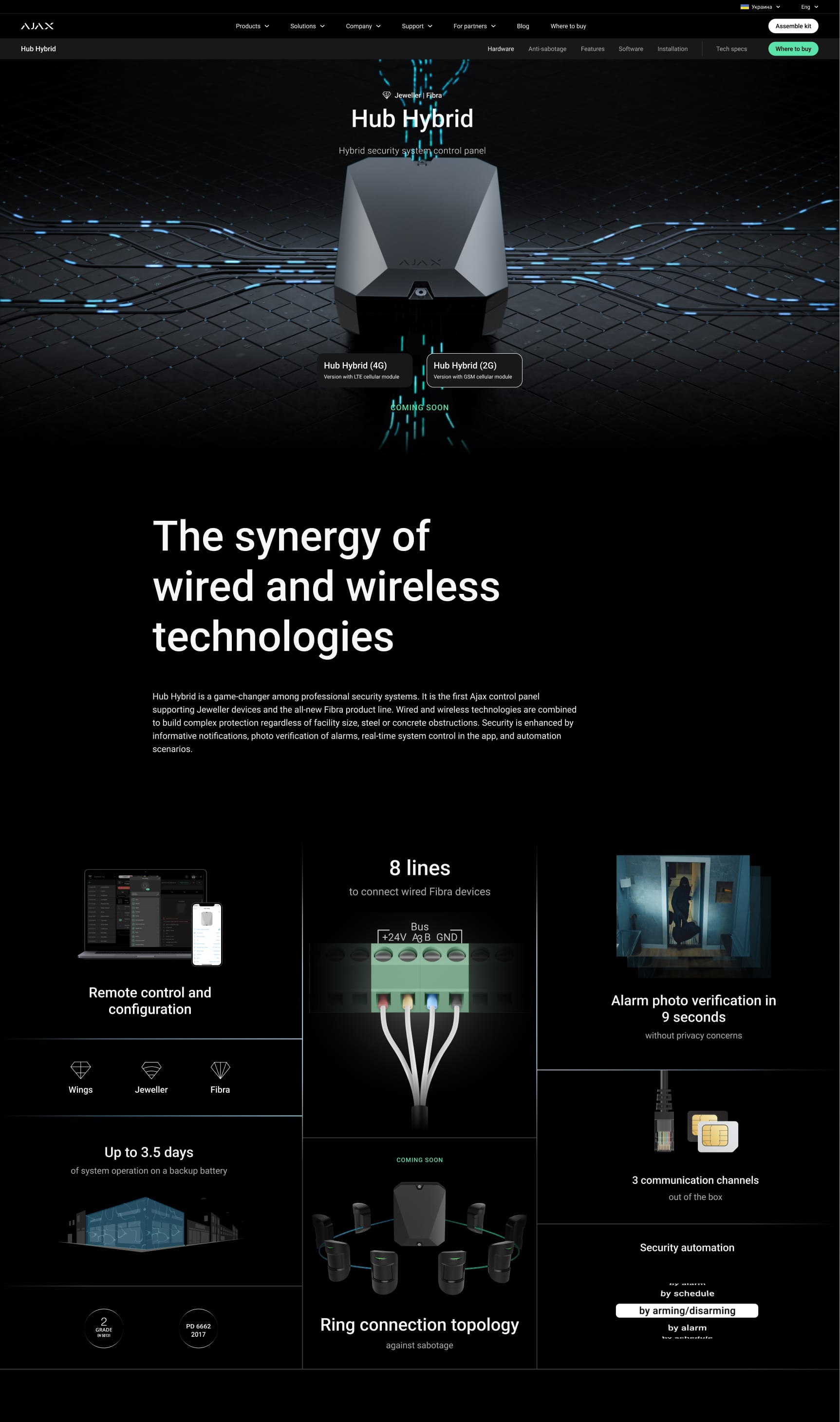
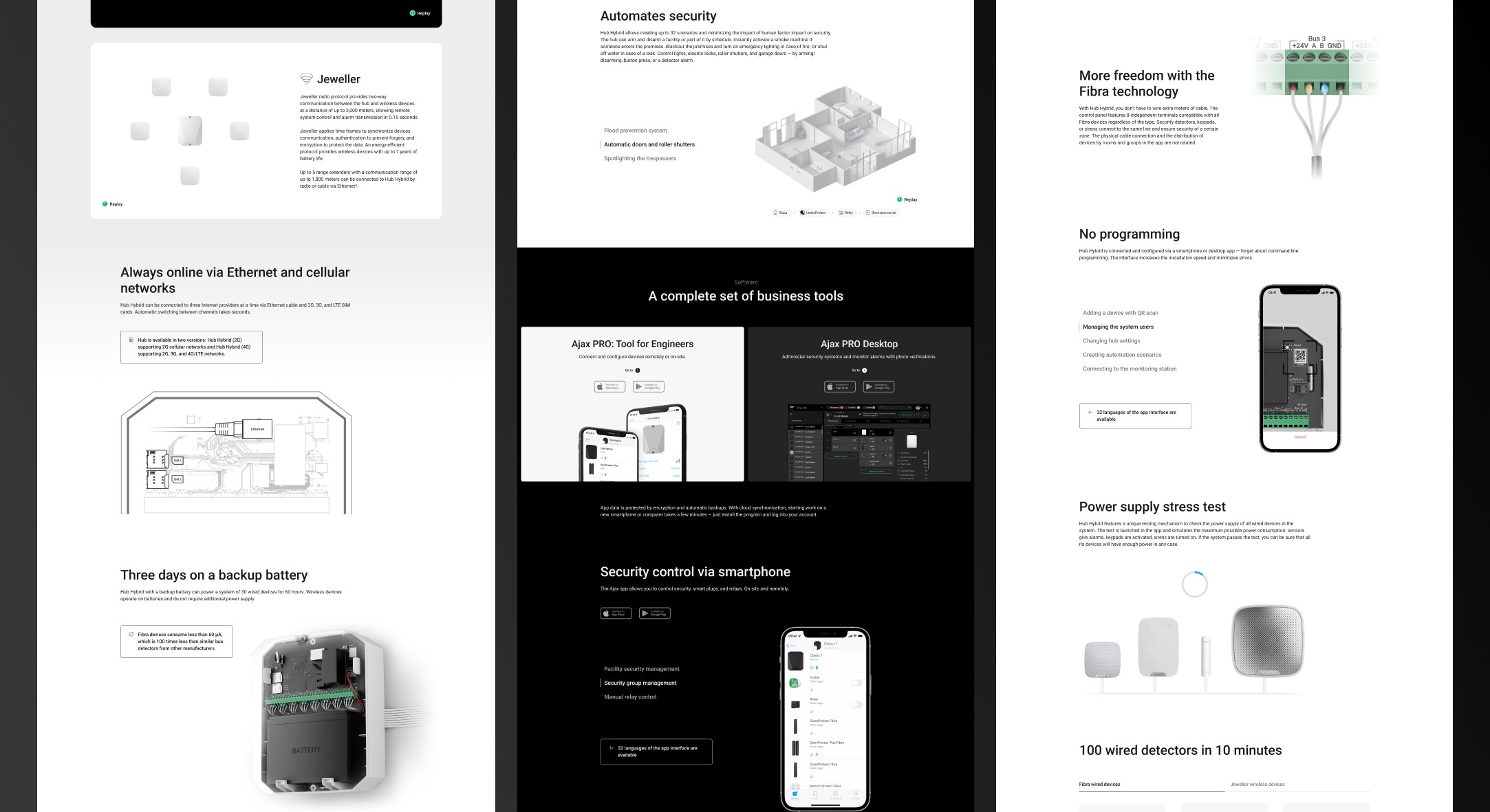
Hub Hybrid
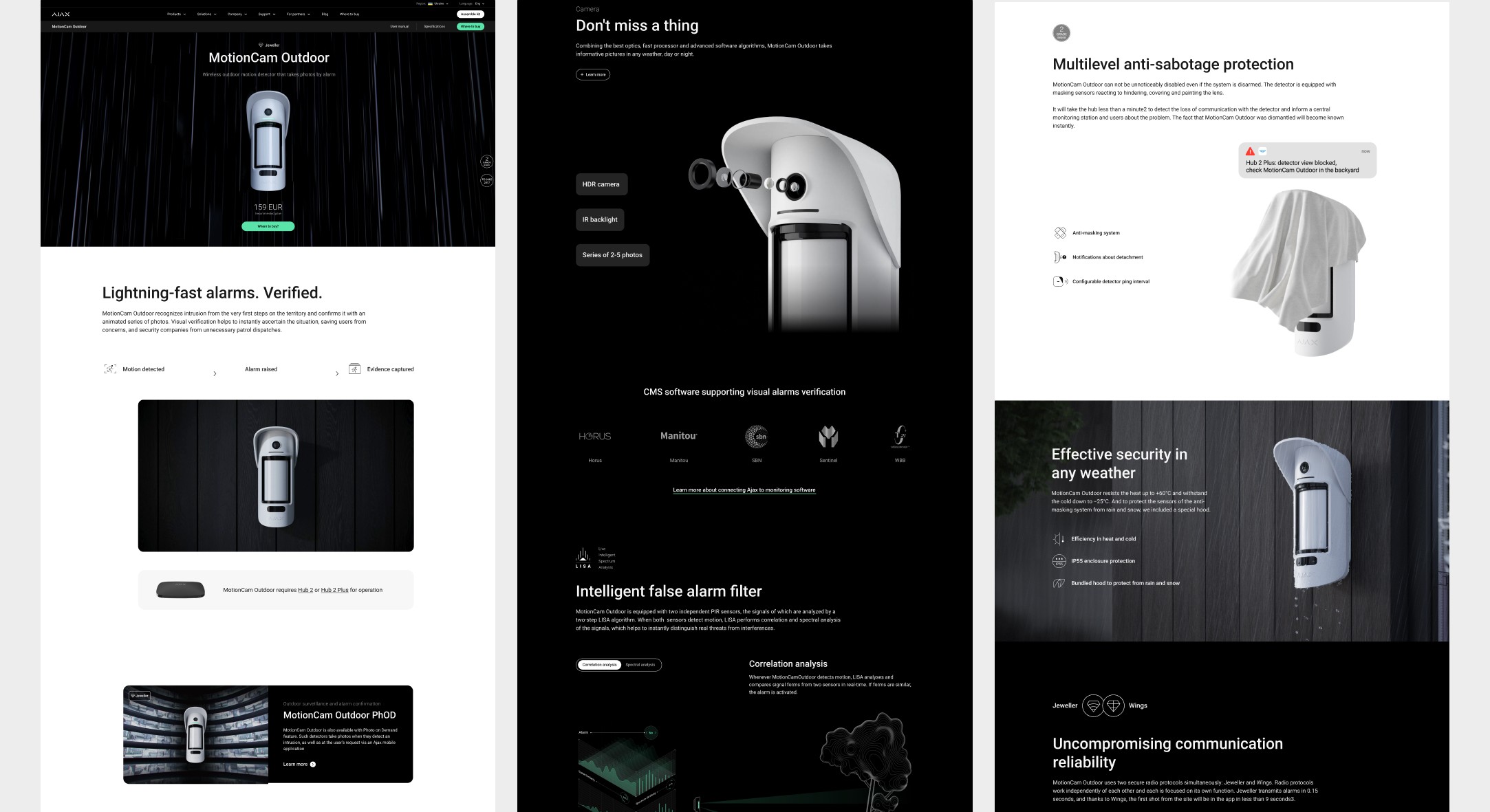
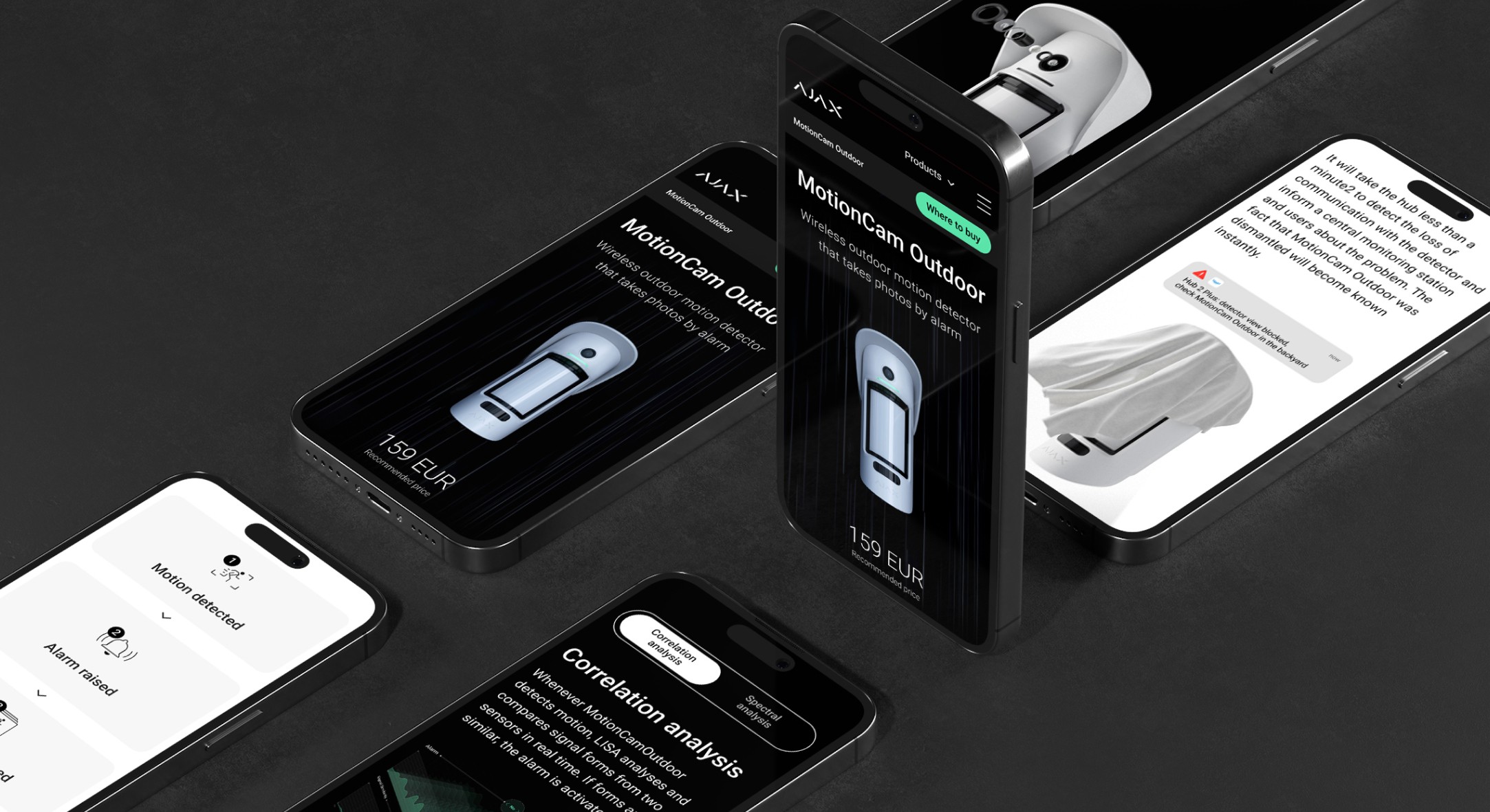
MotionCam outdoor
Site Mapping
Ajax system configurator
The Ajax configurator is designed as a clear, guided journey that helps both customers and partners confidently build a security system for a specific space, from apartments and houses to offices, retail stores, and more.
Instead of asking users to choose devices directly, the flow focuses on understanding the space itself. Step by step, users describe real-world details such as layout, number of floors, windows, protection needs, and more. The configurator translates these inputs into security requirements, reducing complexity and decision fatigue along the way.
At the end, users receive a ready-to-use system setup, a curated list of devices and an estimated configuration created by the Ajax team. Customers gain a clear understanding of what they need and why, while B2B partners use the same flow to prepare fast, accurate estimates for their clients.
From a business perspective, the configurator standardizes system recommendations, reduces errors, and shortens the path from interest to decision, creating a smoother experience for both customers and partners.
Fibra power supply calculator
The Fibra Power Supply Calculator is a practical validation tool designed to help installers verify the reliability of a wired Ajax security system before installation.
Unlike wireless setups, wired systems require precise power calculations. This calculator mirrors the real behavior of a Fibra-based security system, allowing users to model how devices will perform across an entire project.
To achieve accurate results, users define their system configuration step by step: selecting the hub and Fibra devices, specifying cable types and resistance values for each line, and entering exact cable lengths based on real routing. The calculator processes these inputs to estimate power consumption using the latest firmware parameters for each device.
As a result, installers can quickly validate system stability, detect potential power issues early, and make informed adjustments before deployment. This tool reduces installation errors, saves time in project planning, and increases confidence in complex wired installations.
Where to buy
Ajax Systems operates as a B2B-first company, working through a global network of certified partners. The UX challenge was to guide users smoothly from product exploration to the right local representative.
The experience helps users find an official Ajax partner by country and city, clearly outlining next steps and providing all necessary contact details. The flow removes uncertainty at the decision moment and creates a predictable path forward.
By connecting users only with certified partners, the interface reinforces trust and consistency. For the business, it improves lead quality, supports partners worldwide, and bridges the gap between online research and offline purchase.