Nixtla
- Role
- Product designer, end to end
- Scope
- The whole dashboard: sign-in and profile setup, API keys, usage, billing, team, settings, playground, the component library, light and dark themes.
- Platform
- Web app, light and dark
Approach
- 01
Keep the flows
Developers already knew where things were. Navigation stayed; hierarchy, type and states changed.
- 02
One system
The site and the product share one set of tokens, so a new screen starts from the same parts.
- 03
Brand in the quiet moments
Sign-in, empty states and loading carry the brand. Working screens stay plain.
Before and after
From first sign-in to first forecast
Component library
Every control in the dashboard comes from one library. Each has its sizes and states defined, so a new screen is built from parts that already behave the same way.
- 19component sets
- 200variants
- 10colours
- 2themes, light and dark
Colour
Neutrals
#222121 #000000 #EAE9E6 #F6F4F0 #FFFFFF Brand
#433E6F #8A94D4 #BFD1FF #A98DB6 #D5BFDF Type
PP Supply Mono. Buttons, labels, data. Uppercase, tracking −7%.
PP Neue Montreal. Titles, forms, body. 14 / 20 in controls.
Button
48 variants. Hover and tab through themInput
24 variantsSelect
trigger, menu, itemSwitch
16 variantsRadio group
12 variantsToggle
30 variants. Press themDefault
Outline
Tabs and slider
Accordion
What counts as an API call?
Every request to a forecast or anomaly endpoint, whatever the size of the series.
Can I rotate a key?
Create a new key, switch your service to it, then revoke the old one.
Who can see team keys?
Admins see every key. Members see the keys they own.
Alert dialog and avatar
Services that use it will stop working right away.
Table and stats
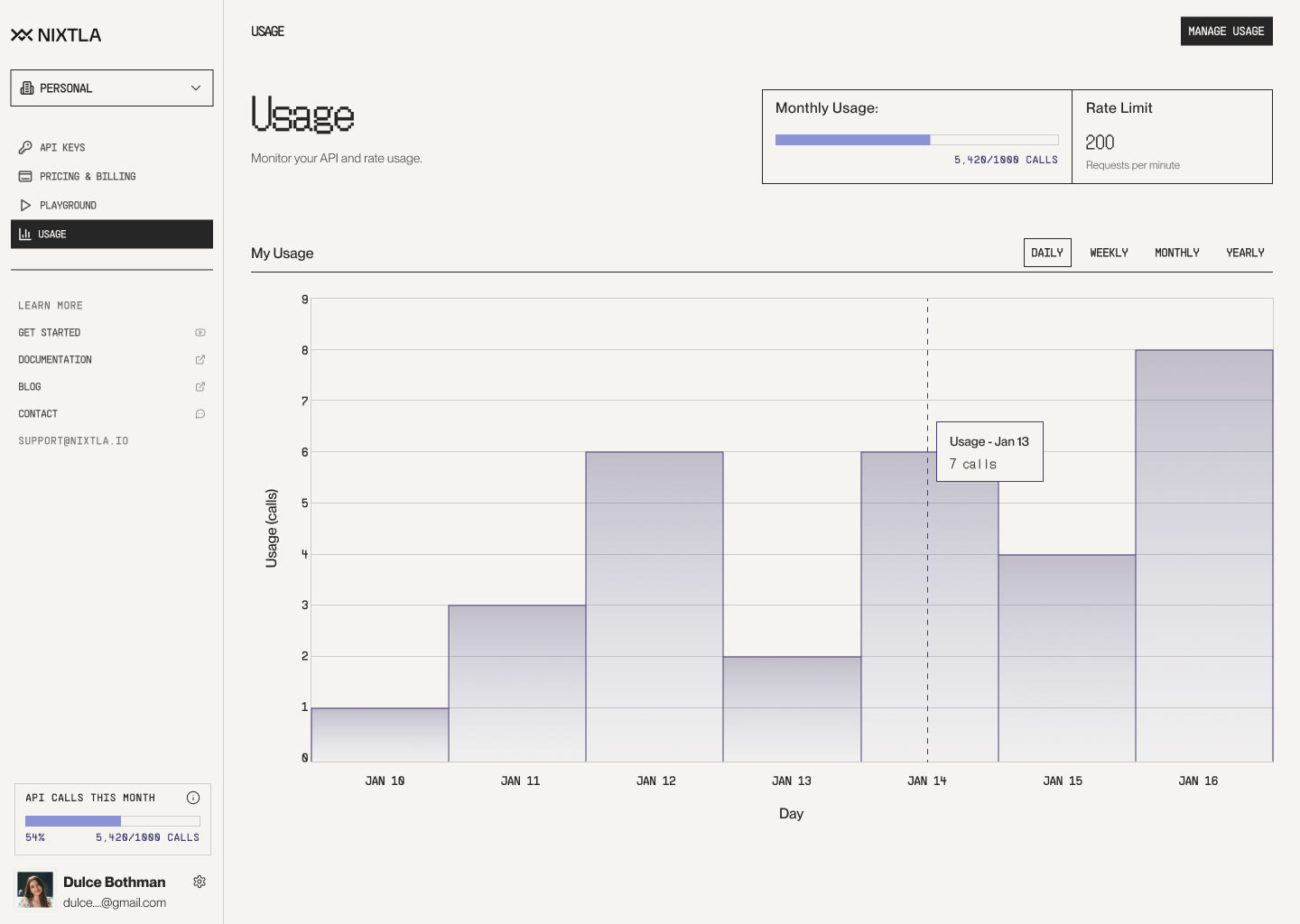
patterns from the dashboardMonthly usage
54%5,420 / 10,000 calls
Rate limit
200
Requests per minute
| Name | Key value | Last used | Status |
|---|---|---|---|
| Production | nixak-88a0f...2c9d | 2 min ago | Active |
| Staging | nixak-41be7...9f02 | 3 days ago | Active |
| Old pipeline | nixak-07cd2...b1e8 | 94 days ago | Unused |
Library
components and patterns by group- Actions 5
-
- Button
- Toggle
- Icon button
- Copy button
- Tag
- Forms 11
-
- Input
- Select
- Select menu
- Radio
- Switch
- Slider
- Checkbox
- Text area
- File input
- Search
- Field message
- Navigation 8
-
- Menubar
- Navigation menu
- Tabs
- Sidebar
- Workspace switcher
- Page header
- Breadcrumbs
- Pagination
- Feedback 8
-
- Alert dialog
- Accordion
- Modal
- Tooltip
- Toast
- Empty state
- Loader
- Progress bar
- Data 10
-
- Avatar
- Table
- Stat card
- Bar chart
- Line chart
- Chart tooltip
- Key row
- Member card
- Plan card
- Code block
- Foundations 6
-
- Colour
- Type
- Grid
- Spacing
- Icons
- Light and dark themes